
Leave Management
Leave Grant
No Mail is Required for Comp Off
Entitle Leave to an employee on a working day as a compensation for working on a holiday or weekend.

Leave Grant
Comp Off Workflow
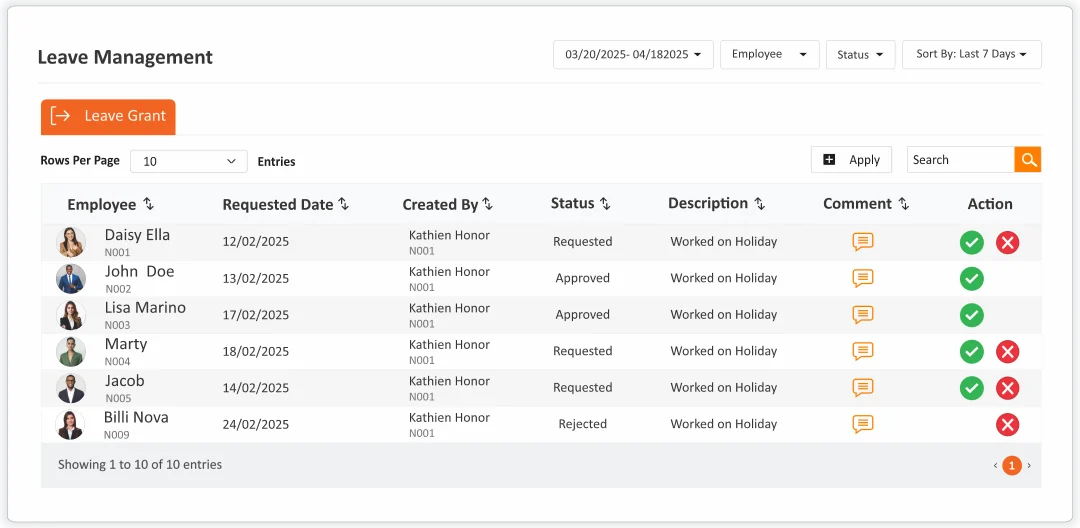
Leave Grant enables HR teams and managers to manually or automatically allocate leave balances to employees, outside of standard accrual policies. Whether it’s for onboarding benefits, special occasions, corrective adjustments, or company-specific rules, leave grants ensure flexibility in leave management while maintaining full control and traceability. An employee is eligible for a comp-off only when the leave is granted by manager.
Day CompOff
Take a Day Off in Lieu of the Weekly Off
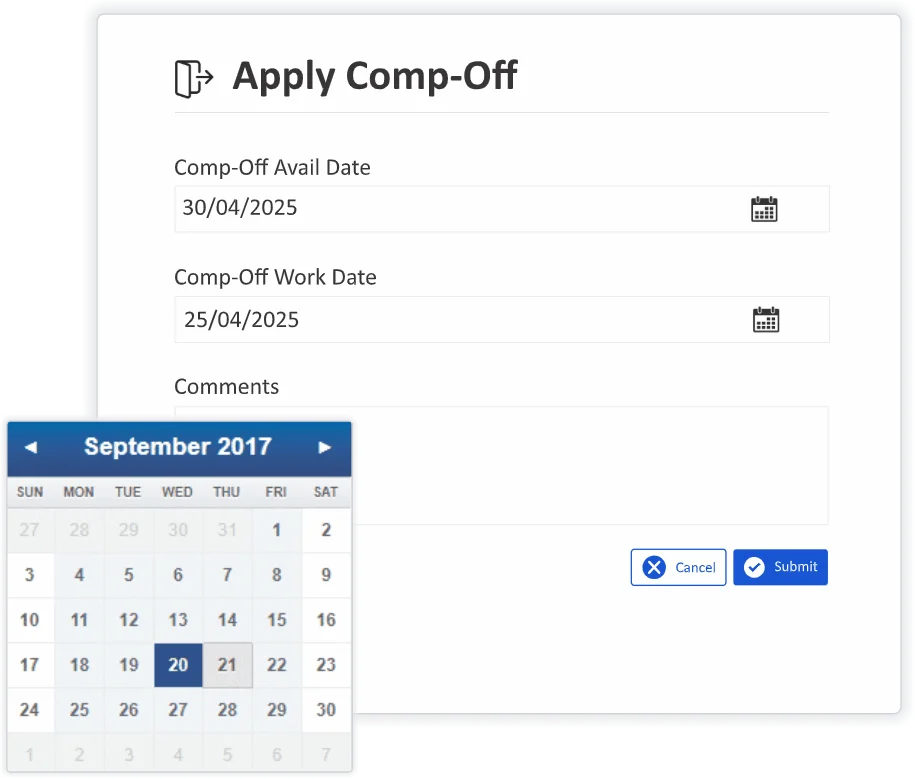
The Day Comp-Off allows employees to earn compensatory time off for working on non-working days—such as weekends, holidays or beyond regular working hours. This feature ensures fair recognition for extra effort while enabling HR teams to manage compensatory leave seamlessly, with clear rules, workflows, and tracking. So incase of Emergency Work Pressure – Complete the job on Weekly Off/ Holiday and grant a day off on working day.
Hourly CompOff
Your Way of Short Leave
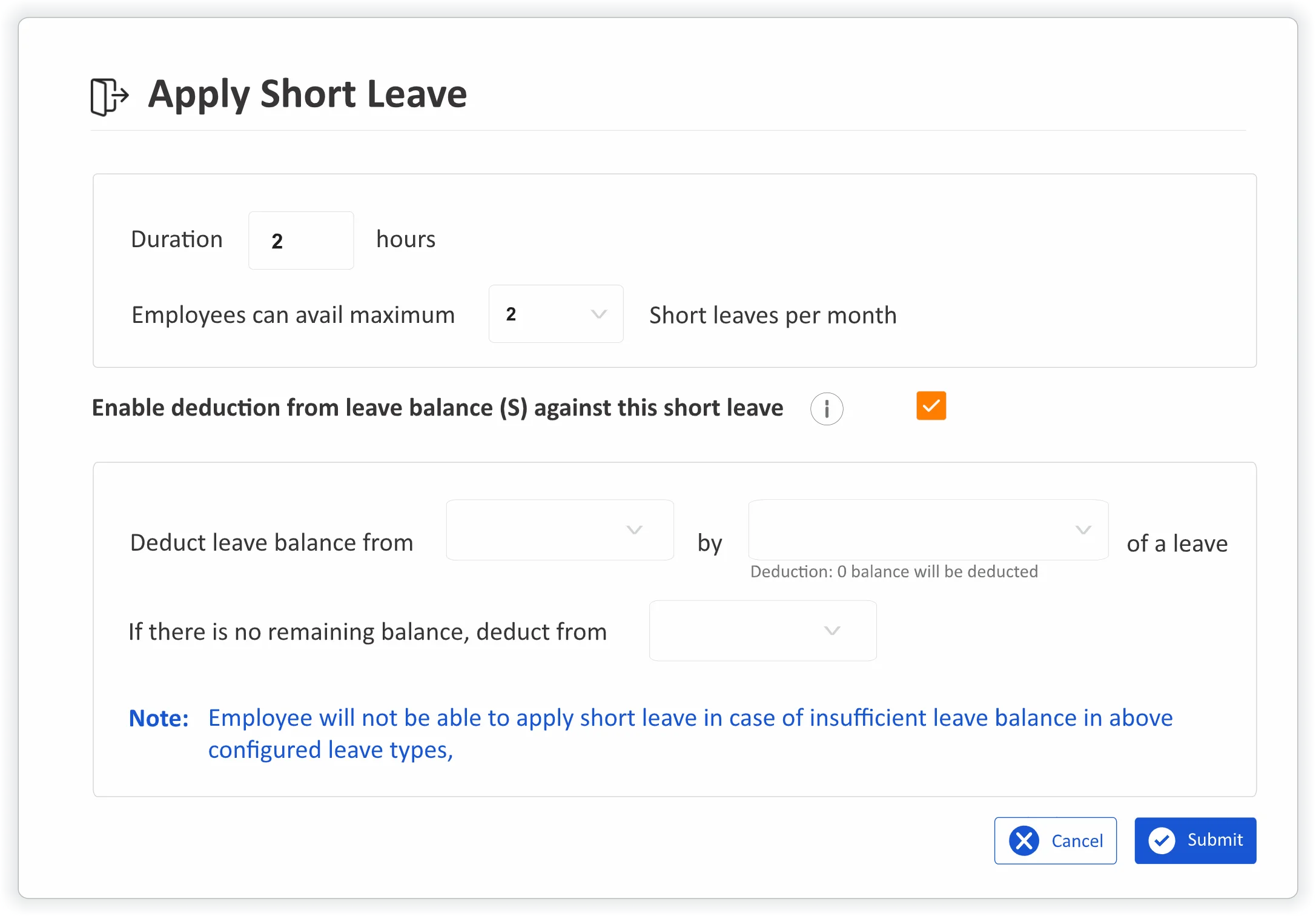
Short Leave allows employees to request time off for a few hours during the workday, without needing to apply for a full or half-day leave. This is perfect for quick personal errands, medical appointments or unexpected commitments. With automated workflows and configurable rules, inTotalitee ensures short leaves are tracked, approved, and accounted for—without disrupting productivity or payroll.
Frequently Asked Questions
What is a Comp Off in HRMS?
A Compensatory Off (Comp Off) is a leave granted to employees who have worked on a non-working day (like weekends or holidays). The Comp Off module in HRMS automates the tracking, approval, and utilization of these extra work hours.
How does an employee become eligible for a Comp Off?
Eligibility is typically based on:
* Working on a designated off day (e.g., Sunday or public holiday)
* Meeting a minimum number of hours worked
* Approval from a manager or HR, often backed by attendance logs or timesheets
How can an employee request a Comp Off?
Employees can apply for Comp Off via the Employee Self-Service (ESS) portal or mobile app, citing the date worked and reason. The request is routed to the reporting manager or HR for approval.
Is there an expiry date for Comp Offs?
Yes. Most inTotalitee HRMS allow you to define a validity period (e.g., 30, 60, or 90 days). If the Comp Off is not used within this period, it will expire automatically.

Ready to try inTotalitee
With tools to make every part of your process more human and a support team excited to help you getting started with a growth engine for your employees has never been easier
